Integrate Charge Capture with EHR for Accuracy
Integrate Charge Capture with EHR for Accuracy to ensure faster payments and fewer billing errors. When charge capture works seamlessly with your EHR/EMR system, documentation and billing align perfectly—reducing mistakes and accelerating reimbursements. This blog explains how to integrate charge capture with EHR for accuracy using simple, practical steps. We discuss common challenges, emerging solutions like AI and cloud-based tools, and proven ways to prevent claim denials. You’ll also discover helpful tips, real-world examples, and smart technology recommendations to help your practice capture revenue correctly—and get paid faster.
Table of Contents
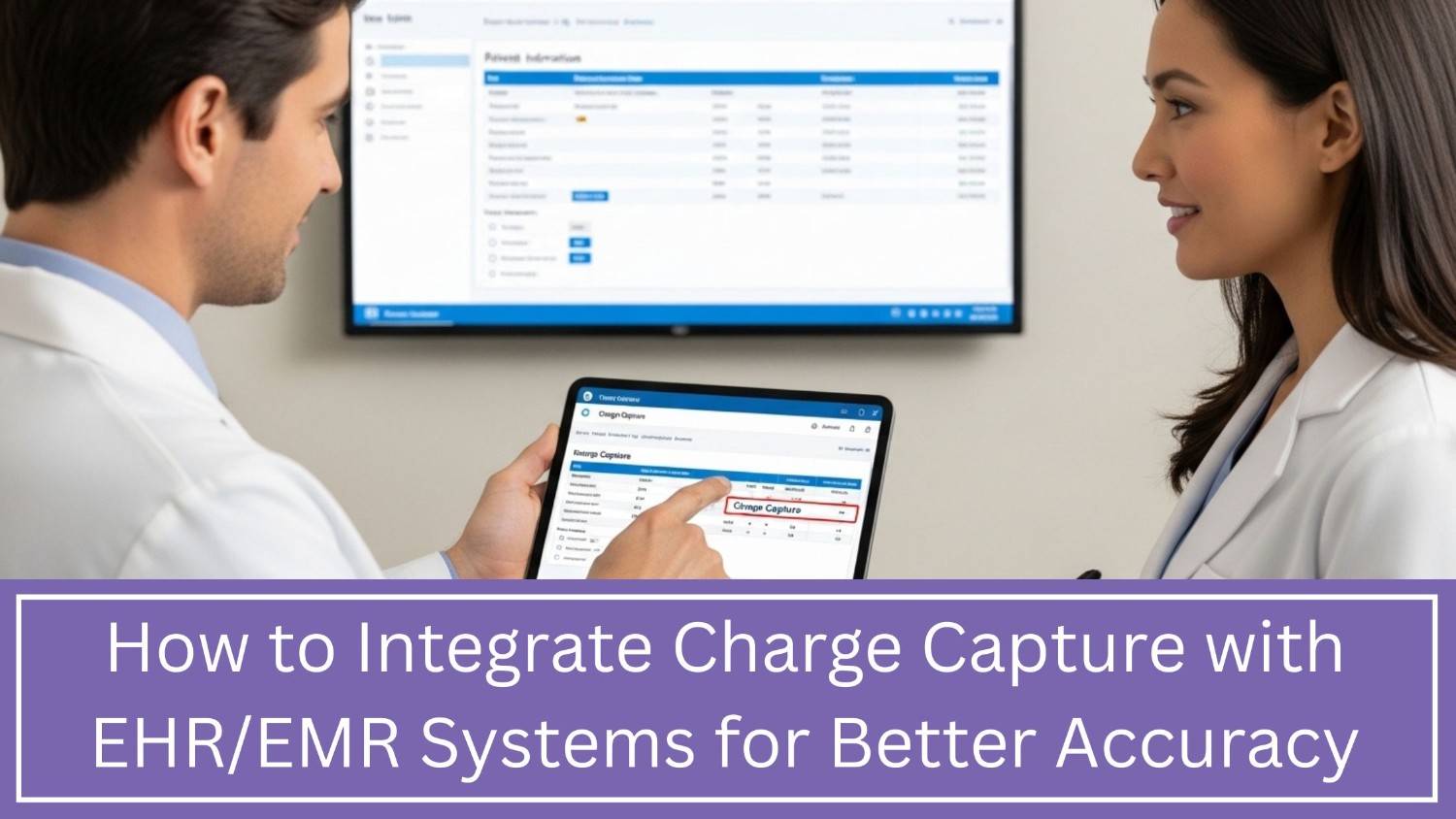
How to Integrate Charge Capture with EHR/EMR Systems for Better Accuracy
In today’s healthcare business, getting paid right and on time keeps your practice running. Charge capture—tracking every service you provide—is key to accurate billing. But if it doesn’t sync well with your advancedMD EHR/EMR system, mistakes pile up: missed charges, wrong bills, and more claim rejections.
This blog shows how to fix that. We’ll cover simple steps to connect charge capture with your EHR/EMR, cut down on denials, and speed up payments. You’ll get real-world fixes, current trends, tools that work, and deliver results.
Why Charge Capture Matters
Charge capture turns doctor visits into paid services. A patient comes in, you document their care, and charge capture translates that work into billable codes. Those codes fuel your billing system, creating claims that insurers pay.
Mess this up, and you lose money—even if your care is perfect. Studies show medical billing mistakes cause 30% of claim denials and slow down payments. That’s cash your practice earned, stuck in limbo, or gone for good.
When charge capture works well with your EHR/EMR system:
- Charges are logged as they happen
- Patient care and billing info stay in sync
- Fewer coding mistakes
- Fewer denied claims
- Faster payments
What Does Integration Really Mean?
Integration means linking your systems to talk to each other. Right now, if your charge capture tool and EHR don’t connect, your team wastes time typing the same data twice—once for records, once for billing. Double the typing means double the errors.
With integration:
- Data moves on its own
- Fewer mistakes happen
- Your team focuses on important work
- Bills go out faster and right
Money flows smoothly instead of getting stuck. Less hassle, more cash.
Common Integration Challenges
1. Manual Data Entry
Too many clinics waste time typing charges twice—once in patient records, again in billing systems. Every double-entry raises error risks and kills efficiency.
2. Disconnected Docs & Dollars
When what doctors note doesn’t match what’s billed, insurers push back. Denials pile up. Cash flow slows.
3. Outdated Tech Traps
Old EHRs often can’t share charge data automatically. Missing APIs mean more manual work—and more mistakes.
4. Coding Mistakes
Wrong codes or old codes mean claim rejections and lost money.
5. Insurance Updates
Payers change their rules. Without automatic updates, your team wastes time fixing claims by hand.
Steps to Integrate Charge Capture with EHR/EMR
Step 1: Pick the Right Billing Tool
Get tech that works for you:
- Syncs with your EHR (no headaches)
- Auto-updates codes (no manual fixes)
- Lets you bill from anywhere (phone, tablet)
- Flags errors before claims go out
Step 2: Turn Notes into Payable Codes
Every visit, test, or supply must translate to clean billing:
- Checkups = Correct E/M codes
- Lab work = Exact CPT codes
- Bandages? Right HCPCS codes
Mess this up, and payers will push back—costing you time and cash.
Step 3: Move Data Fast
Charge info must go straight into your EHR/EMR. Waiting costs time and money.
Step 4: Use Smart Templates
Pre-made forms speed up billing. Build simple screens for visits, tests, and procedures.
Step 5: Teach Your Team
Tech only works if people know how to use it. Train staff on:
- Entering charges during or right after care
- Spotting missing details from alerts
- Fixing errors before they cause problems
Step 6: Test Everything Before Launch
Don’t skip testing. Check:
- Data moves correctly
- Code works as it should
- Claims generate properly
- Errors trigger alerts
Find problems now, not after they hurt your bottom line.
Step 7: Keep Watching After Go-Live
Systems need ongoing care. Track:
- How often claims get denied
- Delays in charges posting
- How fast payments come in
- Mistakes in coding
Live dashboards help spot issues fast—fix them faster.
How Integration Improves Accuracy and Cash Flow
Reduced Denials
When billing matches notes and codes, claims get paid faster. Less typing means fewer errors.
Faster Payments
Correct claims move through payers quickly. You get your money without delays.
Productive Teams
Staff fix fewer mistakes and focus on patients and smooth operations.
Better Reports
Good data shows real performance. Leaders make smart calls with clear numbers.
Trends in Charge Capture and EHR/EMR Integration (2025–2026)
1. AI Helps With Coding
AI tools check codes against patient notes to catch mistakes fast. This means fewer billing errors before claims are sent.
2. Charge On The Go
Doctors can log charges right from their phone or tablet during patient visits. No more delays in billing.
3. Codes Update Automatically
Yearly code changes (like ICD-10) auto-update in the system. Your team always works with the current codes—no manual updates needed.
4. Predictive Analytics
Spot revenue risks early by tracking denial patterns before they hit your bottom line.
5. Cloud-Based Platforms
Scale without headaches—cloud updates roll out fast, grow with you, and cut IT burdens.
Best Practices to Ensure Success
Standardize Workflows
Develop clear, step-by-step processes for how and when staff logs charges—no guesswork.
Measure What Matters
Track these daily:
- How long do charges take to post
- Why claims get denied
- How fast bills get paid
- What % you actually collect
Talk It Out
Coders and doctors need weekly check-ins. Real talk = fewer mistakes.
Train Often
Quick monthly updates on coding rules and insurance changes keep your team ahead.
Catch Errors Fast
Set up instant alerts for missing charges or wrong codes—stop denials before they happen.
Common Mistakes to Avoid
Waiting Too Long to Connect
Delays in linking systems mean lost money. Move fast.
Skipping Team Learning
Untrained staff can’t use tools well. Train them.
Missing Denial Clues
Denials show what’s broken. Fix them fast.
Old Systems Hurt Work
Manual steps waste time and cause errors. Upgrade now.
Case Example (Simple Illustration)
A mid-size clinic was leaving money on the table—20-25% of potential revenue lost to slow billing and denied claims. Here’s how they fixed it:
- Charges got logged same-day (down from 5 days)
- Fewer denials for coding mistakes (45% drop)
- Faster payments (30% improvement)
The fix? Automated billing sync with their EMR system and trained staff to work smarter.
Technology Choices: What to Look For
When choosing tools, think:
Integration
- APIs save time—no manual workarounds.
Coding
- Auto-updates for ICD-10, CPT, and HCPCS mean fewer headaches.
Mobility
- Let clinicians log charges on the go—no delays.
Visibility
- Dashboards show real-time gaps so you can fix them fast.
Compatibility
- Check that it plugs right into your EHR/EMR. No surprises.
The Role of Remote and Outsourced Support
Some practices work smarter by outsourcing medical coding and billing tasks. Here’s how it helps:
- Cut denial delays
- Keep coding accurately
- Solve tricky billing issues
Your team gets more time for patient care—not paperwork.
Conclusion: Integration Makes Billing Better
Integrating charge capture with your EHR/EMR isn’t just tech—it’s cashflow. Fewer mistakes, fewer denials, faster paydays. Your team gets time back, and your practice keeps more money.
Still doing charge capture by hand or with clunky systems? That’s lost revenue and wasted hours. Modern tools cut the hassle and boost your bottom line—automatically.
Boost Accuracy with Practolytics
If you need better results, Practolytics improves your revenue cycle. Here’s how:
- Catch billing errors fast
- Check codes in real time
- Keep up with coding changes
- Track denied claims
- Review claims before sending
- See finances clearly
With Practolytics, fewer mistakes mean more money. Spot problems early, send cleaner claims, and get paid faster.

ALSO READ – Essential Tips for Error-Free Orthopedic Billing and Coding: Boost Your Practice’s Financial Health
Talk to Medical Billing Expert Today — Get a Free Demo Now!