
Integrate Charge Capture with EHR for Accuracy
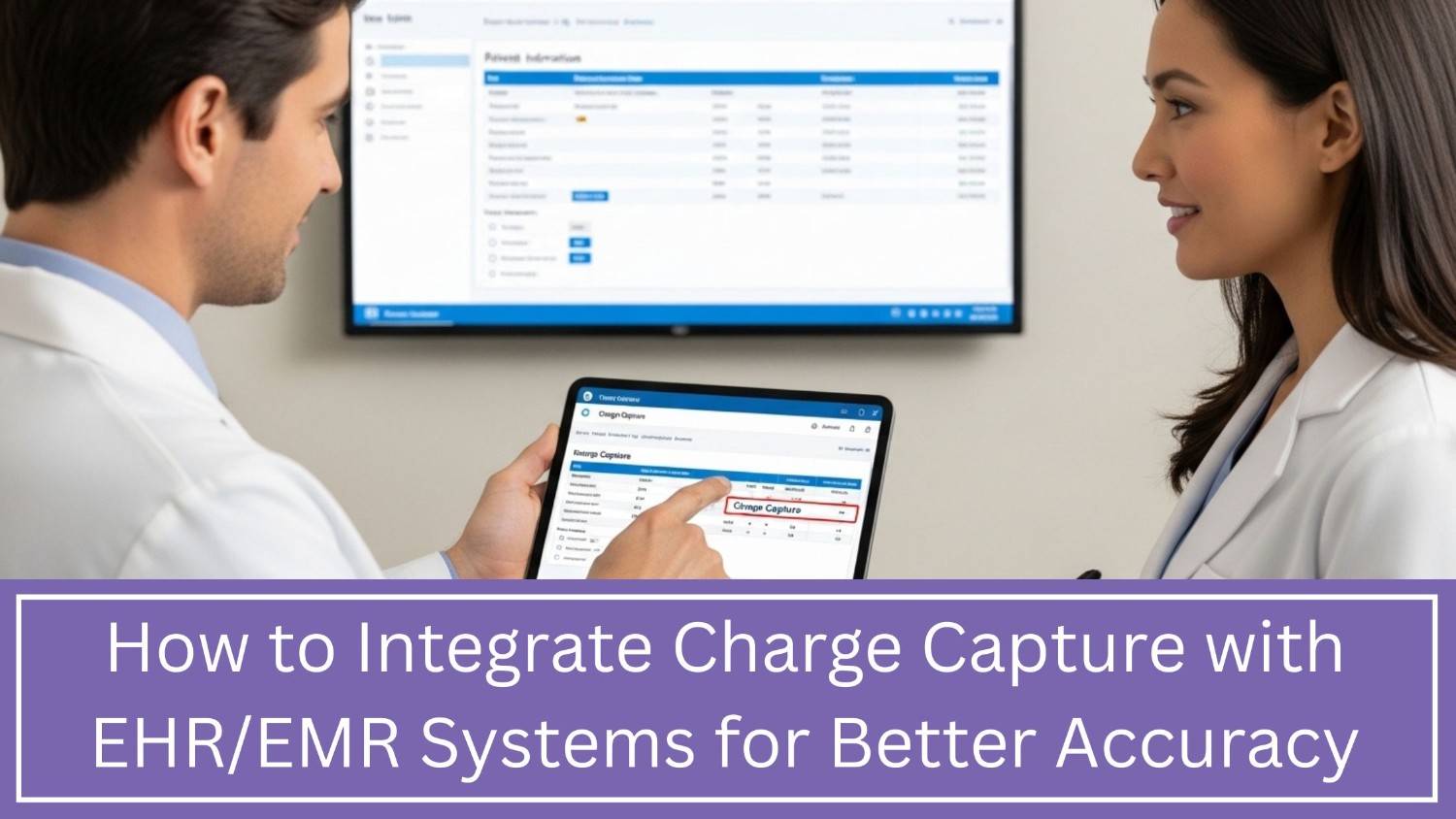
Charge capture turns care into billable charges. When it sits outside the EHR, staff may copy data, miss a service, or post it late. Charge capture EHR integration software links documentation to billing so charges can be checked before the encounter goes cold.
Here is what current evidence shows:
|
Source |
Published finding |
What it means for a practice |
|
MGMA, January 2026 |
In a 288-response poll, coding represented 13% and charge posting 2% of the biggest reported leaks. |
Charge capture is one part of RCM. |
|
CMS, FY 2025 |
CMS estimated FFS improper payments at 6.55%, or $28.83 billion; documentation and medical necessity were leading issues. |
This is not a charge-capture loss rate. |
|
Health Catalyst case study |
One health system reported $7.8 million in added annual revenue after 23,000-plus accounts were flagged. |
A case study is not a universal benchmark. |
Table of Contents
Why Charge Capture and EHR Integration Matters for Your Practice
A disjointed workflow makes the clinician document care, the coder interprets it later, and the biller finds gaps after a claim fails. Then staff have to reopen the chart, and honestly it’s kind of slow. Integration shortens the loop, it can align encounters with charges, review fields, and route the exceptions. So there are fewer charges left behind, less duplicated typing, faster coding, and a more visible audit trail. It can also tamp down overbilling risk. Accuracy means billing for documented care, not just billing more and hoping it fits.
What Does Charge Capture EHR Integration Really Mean?
It means approved data moves between the EHR, charge-capture tool, practice-management system, and billing queue without rebuilding the encounter. A medical charge capture software with EHR integration may pull the patient, provider, date, order, procedure, and note status, then return a charge or exception.
An EHR-compatible charge capture platform is not plug-and-play. Codes, permissions, and workflows need local setup. Automated charge capture software for healthcare can trigger charges, but people should review unclear or high-risk cases.
Common Challenges When Integrating Charge Capture with Your EHR
The connection is rarely the only obstacle. Poor data travels faster after integration. Common failures include mismatched provider IDs, outdated codes, missing modifiers, duplicate encounters, incomplete notes, wrong place-of-service values, and unassigned exceptions.
Older systems may need HL7, while newer products use APIs or FHIR. Epic and Oracle Health publish FHIR resources, but functions vary by configuration. Security review, monitoring, and HIPAA terms take time. Staff may keep spreadsheets if the new screen adds clicks.
7 Steps to Integrate Charge Capture with Your EHR/EMR
1. Audit the current workflow.
Trace ten to twenty encounters through claim submission. Record where charges are copied, delayed, corrected, or lost. Measure charge lag, unbilled encounters, late charges, denials, and manual touches.
2. Define requirements and compare vendors
Build a charge capture software vendor comparison around specialty, EHR version, security, support, and reporting. The best charge capture software for EHR integration fits the workflow, not the longest feature list. Request a charge capture software demo for healthcare teams with your test cases. Review charge capture integration pricing, including setup, licenses, interfaces, training, maintenance, and upgrades.
Searching for charge capture integration services near me is only a start. Relevant EHR experience matters more than ZIP code.
3. Confirm the integration method
Document what data moves, where, and through which interface. To integrate charge capture with Epic, verify the version, registration, and test environment. To integrate charge capture with Cerner, confirm the current Oracle Health Millennium environment and available APIs. “We support it” is not proof.
4. Map data and charging rules
Map patient, encounter, provider, order, diagnosis, CPT, HCPCS, modifier, unit, and note status. Define when a charge is created, held, rejected, or reviewed. Add duplicate and missing-note rules.
5. Test realistic scenarios
Test canceled visits, multiple procedures, corrected notes, time-based services, supplies, telehealth, and modifier changes. Failed messages must create visible alerts, not disappear silently.
6. Pilot and train users
Start with one specialty or location. Train each role on its tasks and exceptions. A charge capture system for hospitals and clinics needs role-based training because teams handle different steps.
7. Go live, reconcile, and improve
At launch, reconcile encounters, notes, charges, and claims daily. Assign owners for failures and coding questions. Review patterns weekly, then fix each repeated error at its source.
How EHR-Integrated Charge Capture Improves Accuracy and Cash Flow
Integration can move supported charges into billing sooner and stop unsupported charges before submission. Track these measures, not promises:
|
Measure |
Simple calculation |
What it reveals |
|
Encounter-to-charge match rate |
Encounters with a charge ÷ completed billable encounters |
Missed encounters |
|
Charge lag |
Time from service to posted charge |
Workflow delay |
|
Late-charge rate |
Charges posted after the cutoff ÷ total charges |
Rebilling risk |
|
First-pass acceptance rate |
Claims accepted first time ÷ claims submitted |
Front-end accuracy |
|
Coding-related denial rate |
Coding denials ÷ claims submitted |
Documentation and coding gaps |
Review by provider, location, specialty, and service. One overall average can hide a serious leak.
Best Practices to Ensure a Successful Integration
Identify clinical billing, and technical owners. Keep the coding and payer rules current, like actually. Use role-based access, encryption, audit logs, alerts, and downtime playbooks. Do not auto-post anything high-risk charges without a human review first. Reconcile orders, encounters, documentation notes, charges, and claims on a regular schedule, not just when it feels urgent.
Audit monthly for missed charges and unsupported charges too. Recheck mappings after an EHR upgrade, a new site location, a service change, or a payer update. Keep the exception queues in view and assigned to someone. An unowned alert is basically just another missed charge, honestly.
Conclusion:
To integrate charge capturewith EHR for accuracy, connect the clinical note to the charge, then prove that the connection works with reconciliation and audits. Software can remove duplicate entry and flag gaps, but it cannot repair vague ownership, poor documentation, or outdated rules by itself. Start with a measured baseline, pilot one workflow, test difficult cases, and monitor results by provider and service line. The goal is not to create more charges. It is to submit complete, defensible charges faster, with fewer corrections, denials, and compliance risks.
1. How can Practolytics help with charge capture and EHR integration?
Practolytics can look over the workflows, kind of link EHR with practice management data, help with charge entry and some coding spot checks, plus handle the claims , denials and the reporting. It usually starts with a quick audit, then goes through mapping, testing, and finally reconciliation.
2. How much revenue can a practice lose from charge capture errors?
There isn’t some universal percentage anyway. The loss can swing around based on specialty, case volume, and how the workflow is actually run. Like if you have a 0.5% missed-charge rate on $10 million in yearly net patient revenue then yes, it comes out to $50,000. The point is, you should measure your loss through reconciliation, not just vendor benchmarks.
3. Can outsourcing charge capture and coding improve accuracy?
Yes, when the partner uses qualified coders, rules, turnaround standards, audits, and complete documentation. Without those controls, outsourcing moves the errors elsewhere.
4. What technology features should I look for in a charge capture solution?
Look for data exchange, coding checks, duplicate detection, worklists, reconciliation dashboards, audit trails, interface alerts, role-based access, encryption, reporting, and exportable data.
5. How long does it take to integrate charge capture with an EHR?
A supported single-site connection may take 4 to 12 weeks. Custom interfaces, multiple locations, or security reviews take longer. Require milestones, test criteria, owners, and stabilization time.

ALSO READ – Essential Tips for Error-Free Orthopedic Billing and Coding: Boost Your Practice’s Financial Health
Talk to Medical Billing Expert Today — Get a Free Demo Now!